Know what you are working on.
Projects, libraries, cells and views organise the engineering work. Open the relevant design and use its supported technology settings instead of treating every tool session as a separate task.


Circuit behaviour, physical design and verification belong in the same engineering conversation. WCS brings the tools, saved results and team review into a project your engineers can work through together.
Follow the work through the suiteExplore three connected parts of a custom IC design iteration.
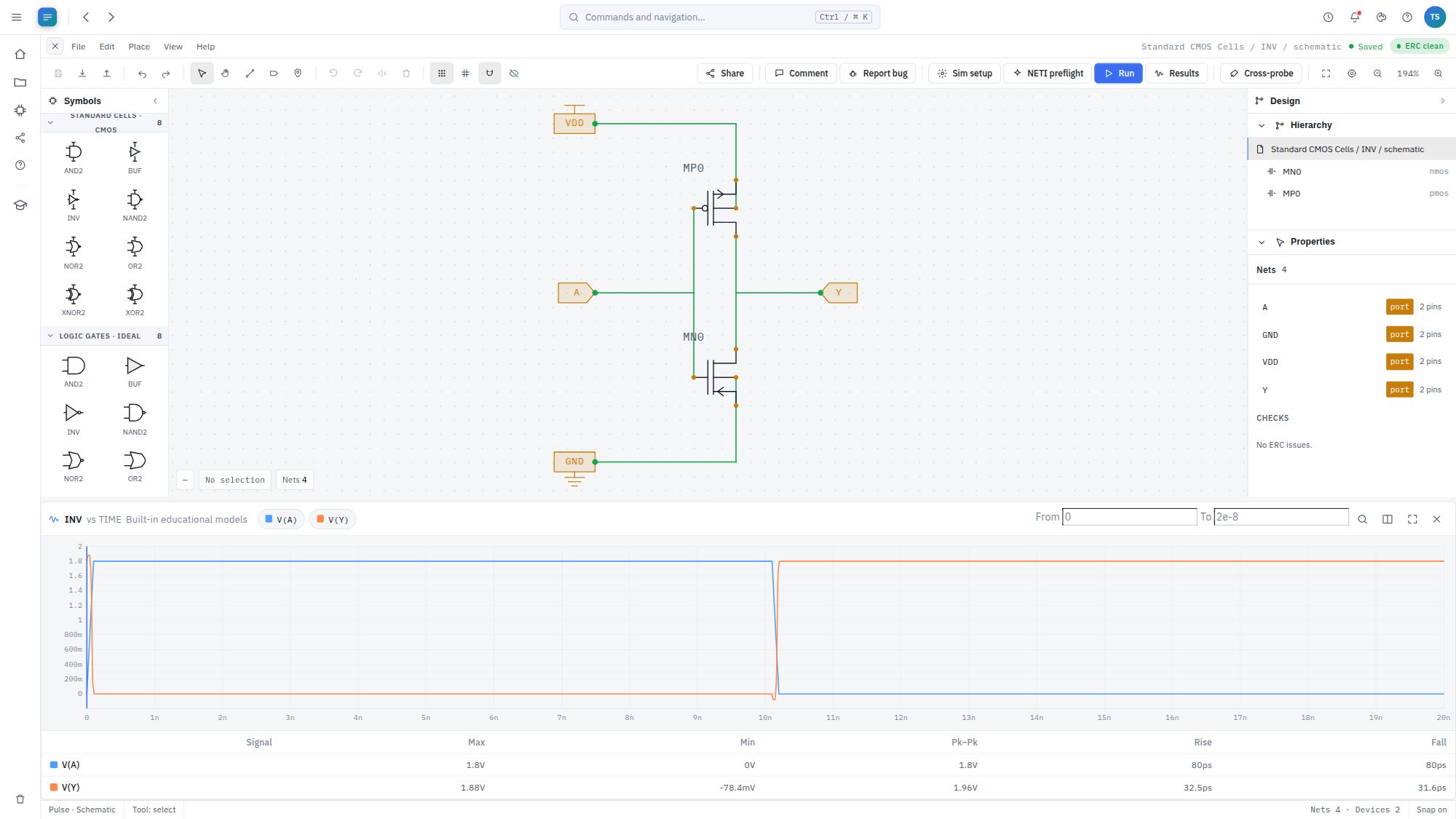
Schematic and simulation
Build the circuit, choose the simulation setup and inspect the result. Use saved runs and waveform measurements to understand the effect of a change.
Next in the design loop: work on the physical implementation in Prism.
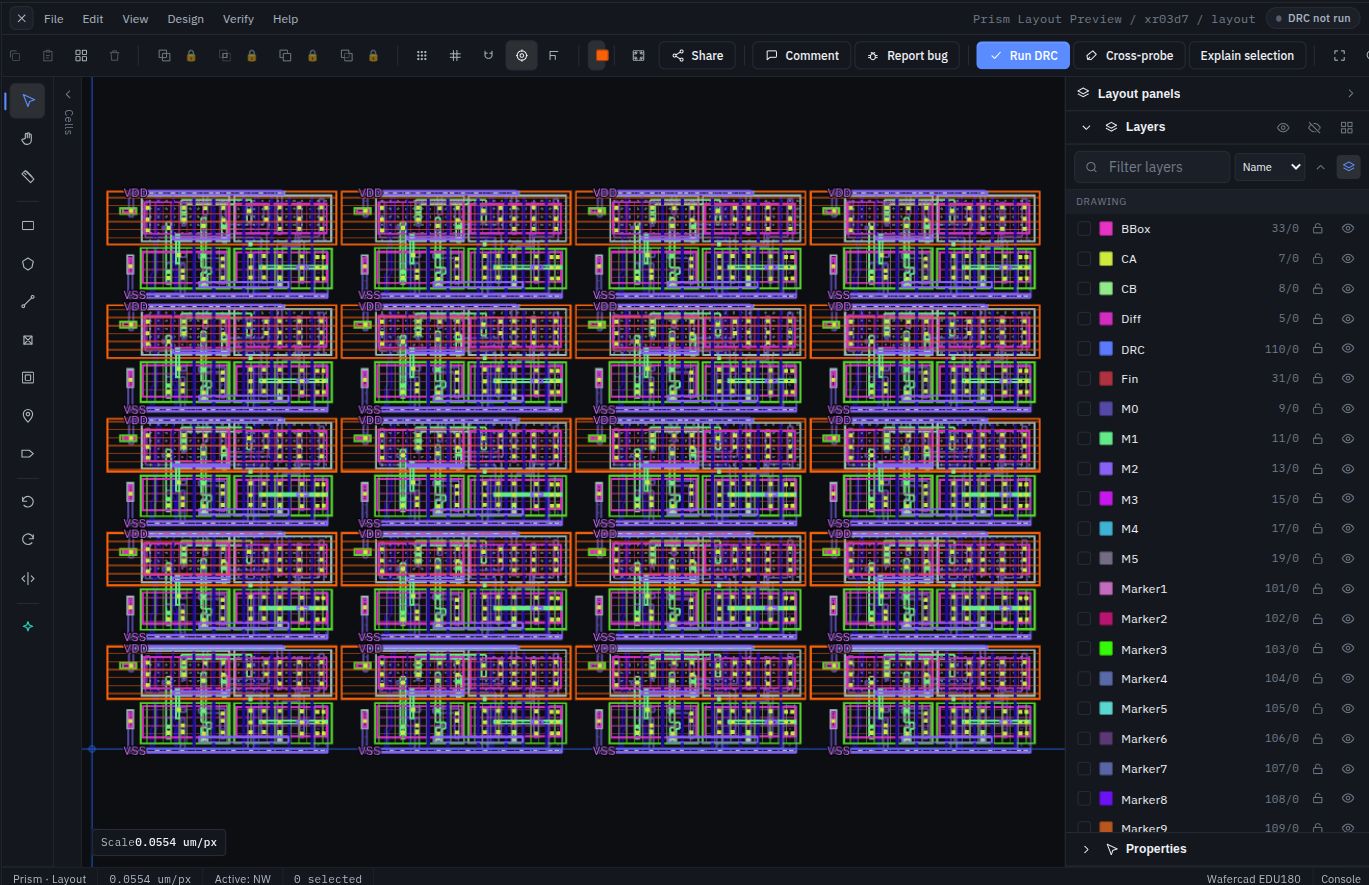
Physical design
Open an imported GDSII layout or work on a design in your library. Navigate the hierarchy, inspect a selection and refine the geometry in its technology context.
Next in the design loop: save the change and submit the relevant verification run.
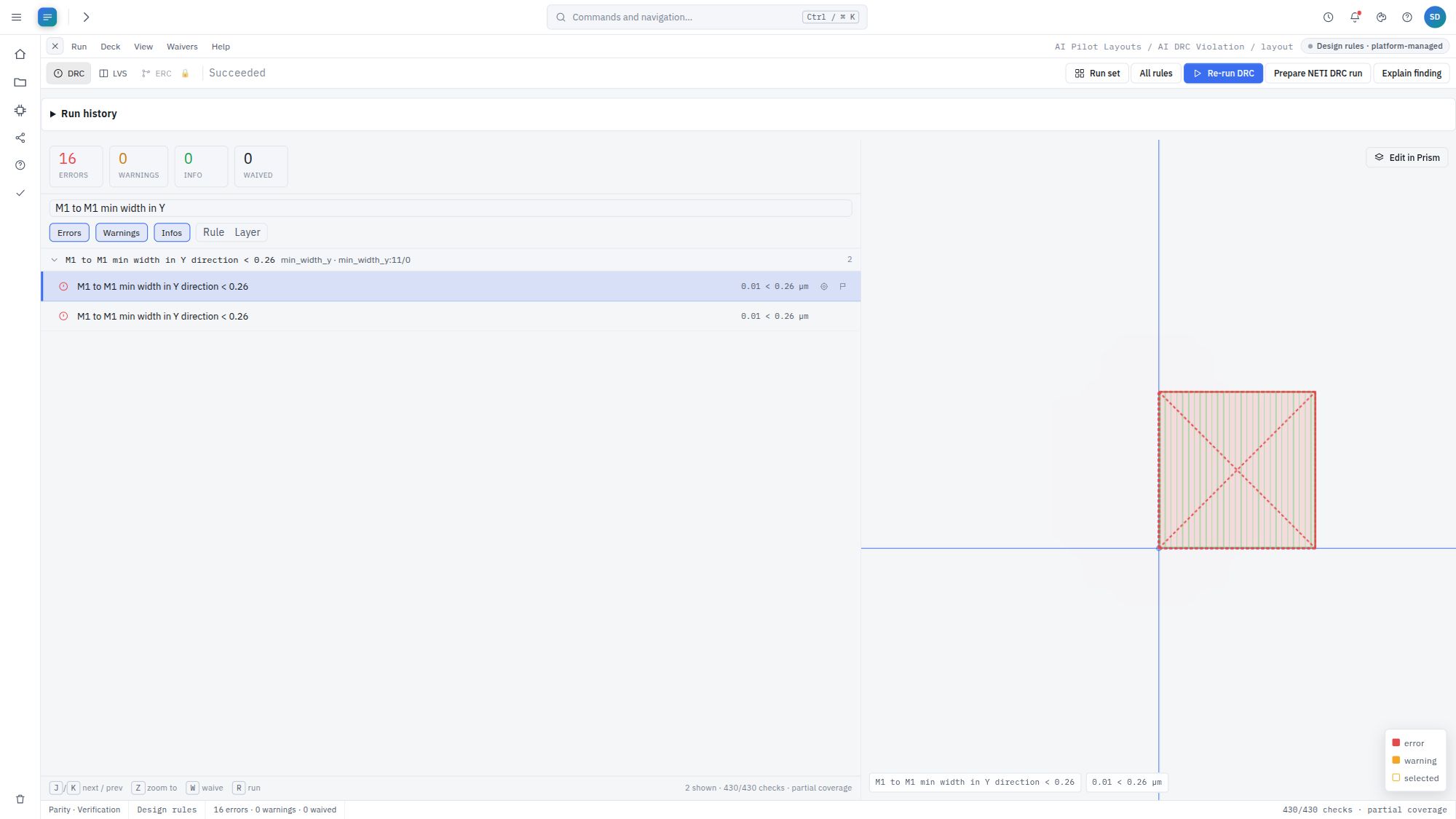
Physical verification
Investigate DRC findings and LVS mismatches, then compare compatible runs. Bring the remaining findings to a design review with the result available for inspection.
Continue the loop: return to the design, make the next correction and check again.
Foundry-qualified pre-signoff and final signoff remain in your existing qualified toolchain.
Beyond opening another tool
In a custom design, the work moves back and forth. Engineers need to understand the inputs, reproduce the check and share the reasoning behind a correction.
Projects, libraries, cells and views organise the engineering work. Open the relevant design and use its supported technology settings instead of treating every tool session as a separate task.
Simulation and verification runs retain their inputs and results. Compare compatible runs after a change, investigate differences and return to the design when further work is needed.
Ask NETI AI about a supported result, then involve the team through shared access and canvas-anchored comments. Reviewers can inspect the engineering context behind the discussion.
Technology belongs in the workflow
Layer definitions, device models and design rules determine what an engineering result means. We review the PDK and intended operations together, so the evaluation reflects the work your team needs to do.
Customer-supplied PDK material is handled under agreed confidentiality and licensing terms. The evaluation establishes suitability for the requested workflows.
Discuss your technology scopeCustom EDA Engineering
Need a specialized generator, design check or engineering workflow? Build a capability for your team, with agreed layout and netlist handoffs to the tools your customers require.
Explore custom EDA solutionsPut the suite to work
Start with a sample block and a clear engineering question. Agree the task, technology and results to review.